01 / A THOUGHTFUL FIRST REPLY
Every hello.
Worth your attention.
Help customers explore your services with replies grounded in your saved business information.
 buki.
Enquiries · Appointments · Your team
THOUGHTFUL TECHNOLOGY. HUMAN AT HEART.
An AI receptionist for the business you care about.
Meet your Buki01 / A THOUGHTFUL FIRST REPLY
Help customers explore your services with replies grounded in your saved business information.
02 / SPACE FOR THE NEXT VISIT
Bring services, working hours and appointments together in a clear booking flow.
03 / ALWAYS ROOM FOR YOU
Review the conversation and take over when your customer needs a person.
Explore Buki in actionFOR BUSINESSES BUILT WITH CARE
THE BUKI EXPERIENCE
From the first hello to the next appointment, Buki helps bring the moving parts together. Explore an example conversation below.
Do you offer a hair consultation?
Yes, Studio Bloom offers hair consultations. What day would you like to visit?
Help customers find answers without starting every conversation from scratch.
Guide interest toward a service, an appointment or the right person.
Review conversations and take over when your customer needs your team.
WHY CHOOSE BUKI
Running a service business means looking after people and the details. Buki brings everyday enquiries and appointments together, so you can give both the attention they deserve.
Give Buki your services, prices and opening hours so conversations start with the details that matter to your customers.
Bring supported, connected channels into a shared inbox so your team can follow an enquiry and pick up the context.
Help customers move from a question to choosing a service and an available time, with a public booking page you can share.
Review AI-assisted conversations and use human takeover when a customer needs personal attention. Your team makes the important calls.
For salons, tutors, consultants and other appointment-based businesses. Channel access depends on provider eligibility and completed setup.
Get to know BukiFROM FIRST HELLO TO A WELL-RUN DAY
A closer look at what happens behind your front desk.
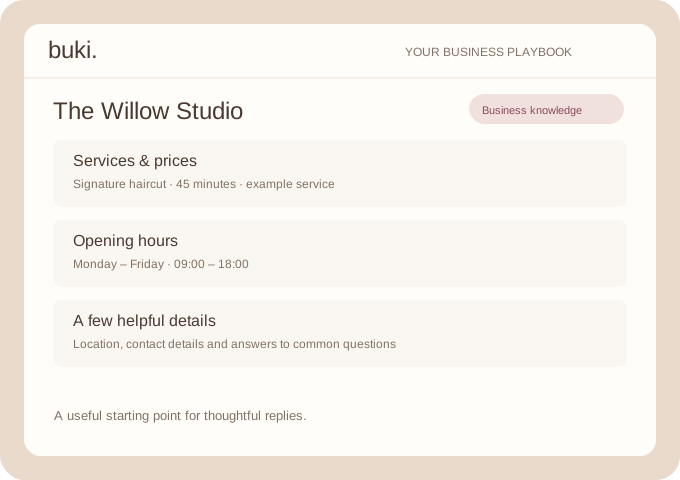
01 / THE BUSINESS PLAYBOOK
A thoughtful reply begins with the right details. Give Buki the information your customers ask for, so your receptionist has a useful starting point.
You provide the knowledge. Buki uses it in the conversation.
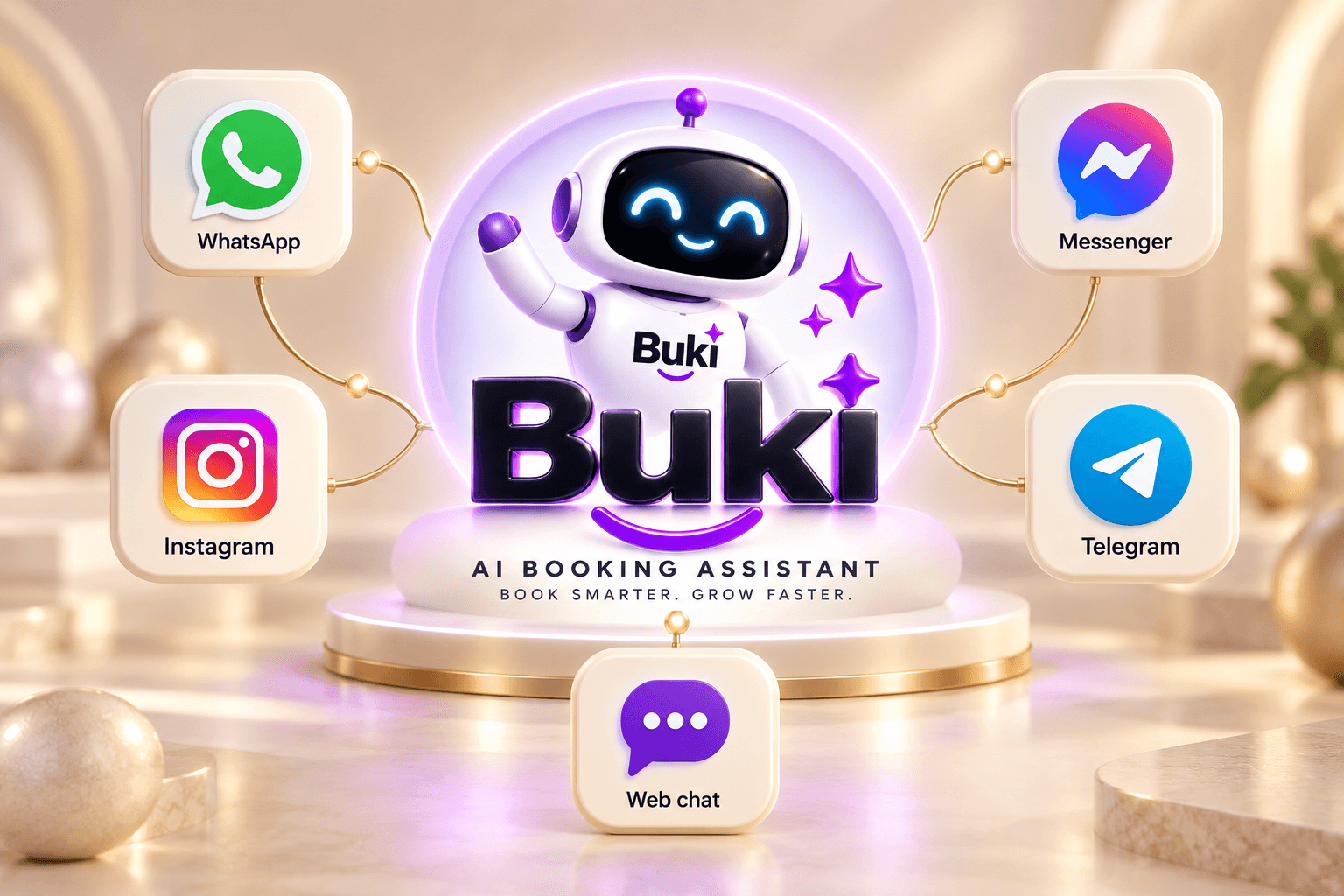
02 / CONNECTED CONVERSATIONS
Customers arrive from different places. Connect the channels you use and bring those enquiries into a workspace your team can follow.
Provider eligibility, permissions and completed setup are required.
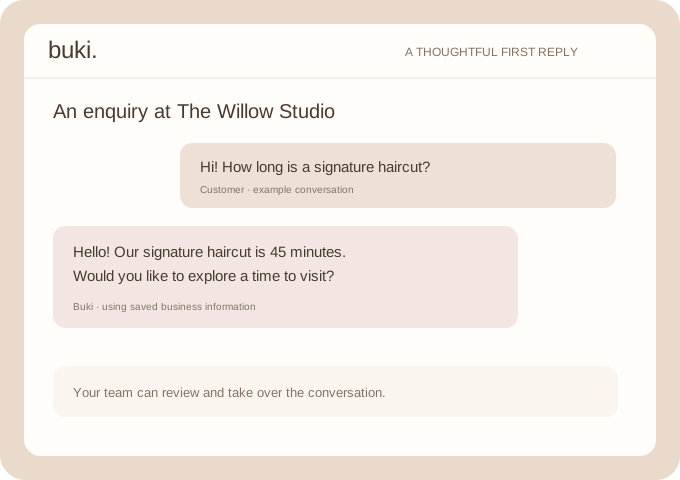
03 / THE AI RECEPTIONIST
Let Buki help with the first question, explain a service and collect the details needed for the next step. Your team stays close to the conversation.
AI replies can make mistakes. Keep human oversight available.
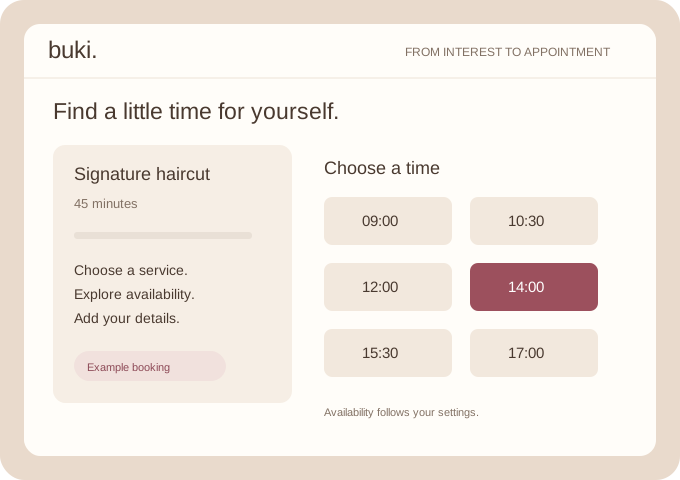
04 / BOOKING & AVAILABILITY
Give your customers a clear path from choosing a service to finding a time. Share your public booking page and manage the resulting appointments in Buki.
Actual availability depends on your business and staff settings.
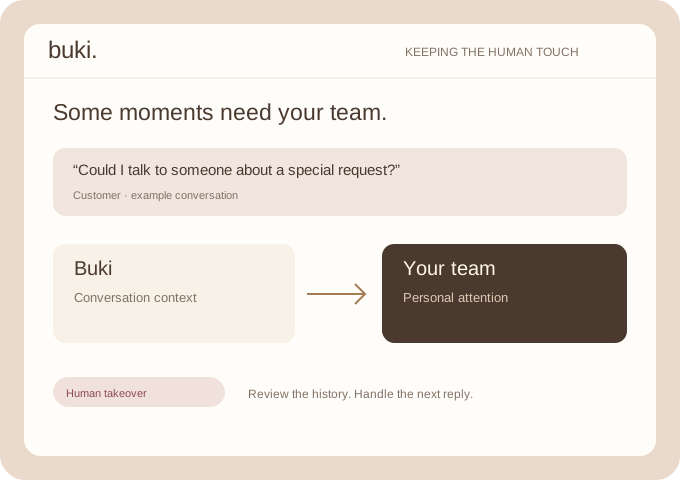
05 / THE HUMAN HANDOFF
Some conversations deserve your full attention. Human takeover controls give your team a way to review the context and handle the next reply.
Your people remain part of the customer experience.
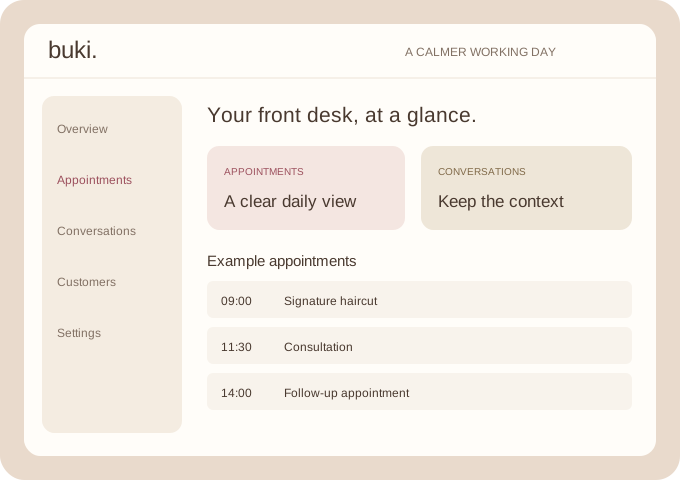
06 / YOUR DAILY WORKSPACE
Open your dashboard to see the work in front of you. Move between appointments, customer records and the inbox without losing the thread.
One place to organise the next step, with your team in control.
MEET THEM WHERE THE CONVERSATION STARTS
Connect the places your customers already use.
Business messaging
Customer enquiries
Facebook conversations
Bot conversations
Your website welcome
Connections require setup. WhatsApp, Instagram and Messenger depend on eligible business accounts and provider permissions. Buki only works with the channels you have connected.
Add the services, prices and hours that make your business yours.
Set up your customer channels and share your booking link.
Review the inbox, check appointments and keep your team involved.
GOOD QUESTIONS, CLEAR ANSWERS
Buki brings customer conversations, AI-assisted replies, appointment bookings and business information into one workspace. Configure your business details, connect supported channels, share your booking page and use the dashboard to review the day.
No. Salons and spas are a natural fit, but appointment-based tutors, consultants, repair services, home-service teams and independent professionals can also use Buki. Configure the services and working hours for your own business.
Buki includes connection flows for WhatsApp, Instagram, Facebook Messenger, Telegram and web chat. Meta channels require eligible business accounts, provider permissions and completed setup. Features depend on your connection status.
Your team remains in control. Buki helps with enquiries and booking conversations, while staff can review the inbox and use human takeover controls. AI replies should be monitored, especially when a customer needs a personal response.
Share your public booking page. Customers can select a service and use the booking flow, with availability based on the settings you configure. Your team manages appointment details and status in the dashboard.
No. The illustrations and interactive conversation are examples that explain the workflows. They do not send messages or create real appointments.
YOUR BUSINESS. YOUR PEOPLE. YOUR BUKI.
Conversations. Appointments. A more considered working day.